The “Digital Trust” Checklist for Smart Home Listings
Agent Tips
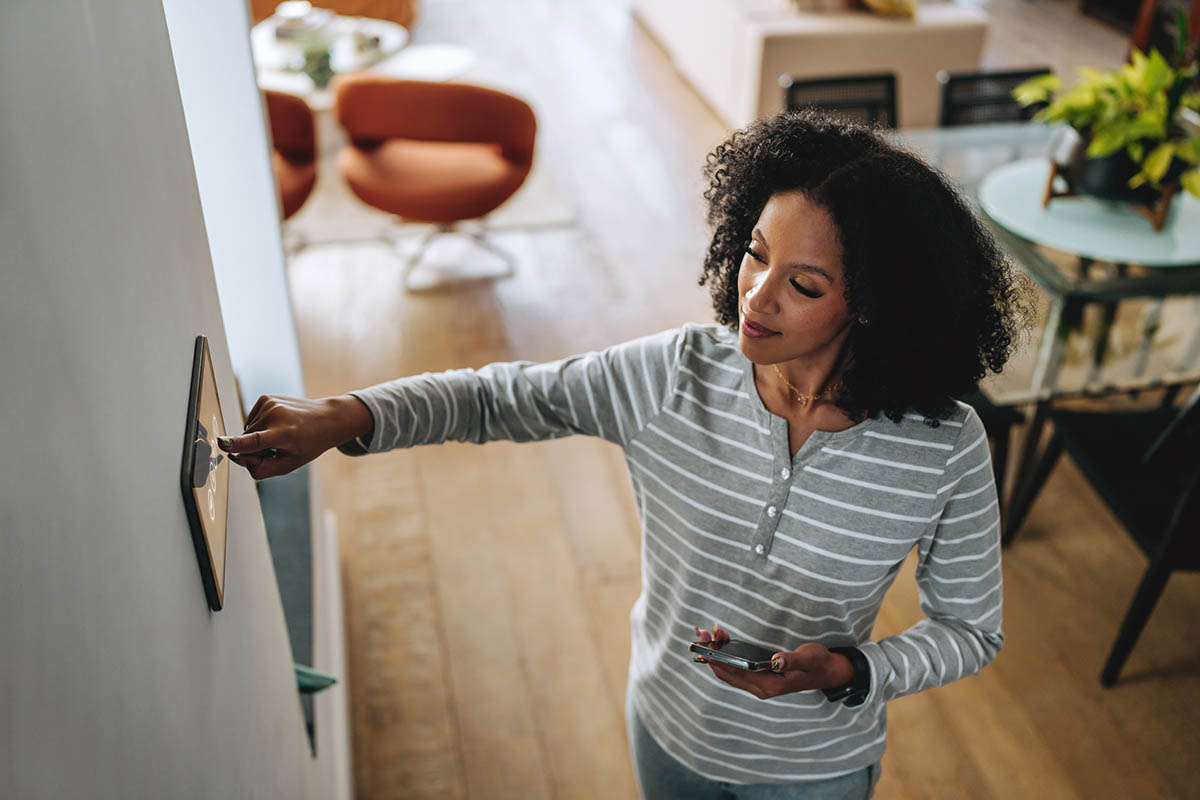
Selling a smart home for your client? The connected devices that make a property appealing can also create privacy risks and post-closing disputes if not handled properly. From Wi-Fi passwords to doorbell cameras, every smart device needs a thoughtful handoff plan.
This checklist will help you protect clients' privacy, reduce the risk of disputes, and deliver a seamless closing experience.
Smart home technology is everywhere. Video doorbells, smart thermostats, automated locks, and security cameras are now standard features in many listings. But if devices aren’t properly reset or transferred, issues can arise:
Taking proactive steps protects everyone involved and positions you as a trusted, detail-oriented advisor.
Start the conversation early. During the listing appointment, walk through the home with your seller to identify all connected devices. Create an inventory that includes:
Once you’ve cataloged the devices, decide what stays with the home and what goes. Many MLSs and purchase contracts treat hardwired smart devices (like thermostats and built-in switches) as fixtures. Agents should confirm local contract language and MLS rules to avoid confusion. Portable devices, like voice assistants and smart speakers, are typically considered personal property.
Document everything clearly in the listing. Be transparent about which devices will remain and which will be removed.
If security cameras are present, especially indoor ones, disclose their existence and location to prospective buyers. Sellers should comply with local recording laws, as some states require consent for audio or video recording. In particular, audio recording may be subject to stricter consent laws than video in some states. Agents should consult their broker for guidance on disclosure requirements. Transparency builds trust and helps avoid misunderstandings. Encourage sellers to remove stored recordings and account access for all cameras before closing.
When the home is under contract, it’s time to prepare for a smooth smart device transition. Give this checklist to your sellers to ensure a clean handoff:
Smart devices staying with the home should be factory reset so buyers can set them up from scratch. Sellers should reset devices (e.g., locks, thermostats, doorbells, cameras, and lighting) while still connected to their home network, following the manufacturer’s procedures.
Ensure that any monitoring subscriptions or service contracts tied to devices (e.g., security systems) are either canceled or transferred to the buyer. This step prevents unexpected fees or service interruptions for the new owner.
Sellers should remove all users, shared access, and linked accounts for every smart device app. This step ensures former owners cannot access live feeds, receive notifications, or alter settings after closing.
Smart locks should have their master codes reset before handing over the keys. Sellers should provide new credentials directly to the buyer on the day of closing, avoiding intervention by the agent.
If the router remains, sellers should consider resetting it to factory settings and ensuring it is updated and secured according to the manufacturer’s guidance. Encourage sellers to ensure the Wi-Fi network uses secure encryption (WPA2 or WPA3). If the seller is taking the router, confirm that the buyer has a plan to set up their own equipment before closing. Note that while the internet is necessary for remote access to smart devices, many can function locally without Wi-Fi.
Sellers may consider disabling features like remote management, WPS, and Universal Plug and Play (UPnP) on the router, as these can create security vulnerabilities. However, sellers should consult their internet service provider (ISP) to determine whether these features are needed for their network configuration.
Sellers should leave clear instructions for the buyer, including device manuals, warranty details, and setup guides. If the seller has custom automations or routines in place, they should document them so the buyer can replicate or disable them if desired.
Smart home devices are here to stay, and buyers expect them to work seamlessly. Following this checklist demonstrates your attention to detail and commitment to your clients’ privacy and security. It reduces the potential for post-closing disputes and strengthens your reputation as a knowledgeable, proactive agent.
Ready to expand your expertise? Arizona School of Real Estate & Business offers continuing education courses to keep you informed, compliant, and competitive. With over 55 years of experience, flexible course options, and expert local instructors, ASREB is here to support your career at every stage. Explore our CE courses today.